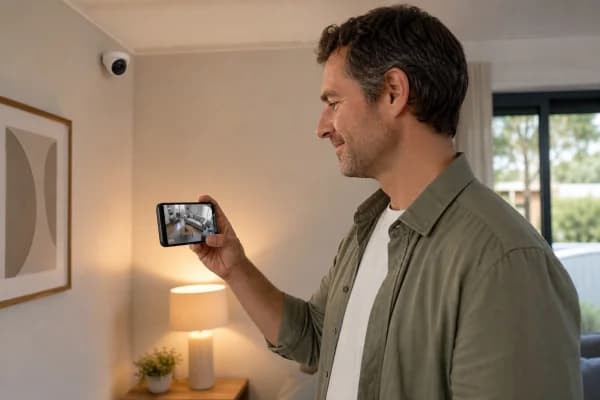
The best personal safety apps let you send an SOS alert, share your live location, and trigger an emergency call with one tap: even when you can’t speak.
Whether you’re walking alone at night, traveling solo, or in a situation where you feel unsafe, these apps give people who care about you real-time visibility into where you are.
Here are the top options and what each one does best.
What personal safety apps actually do
A good personal security app combines location sharing, emergency alerts, and sometimes a direct connection to 911 or a safety monitoring center. The best ones work with minimal setup and are fast enough to use under stress: one tap, not five.
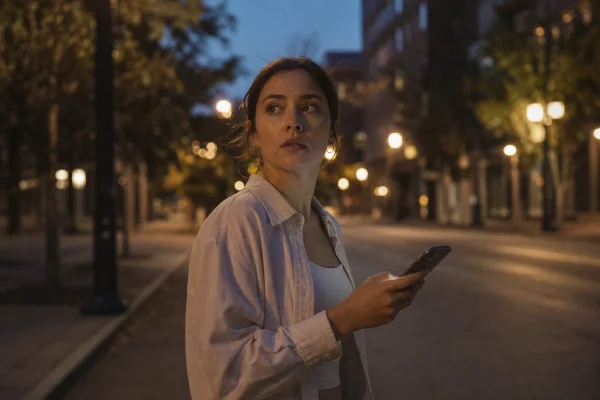
Most apps in this category share three core features: a real-time GPS location share with chosen contacts, an SOS button that texts your location to those contacts, and automatic check-in timers that alert your contacts if you don’t check in by a set time.
Best personal safety apps compared
Personal safety apps for women walking alone
bSafe is built specifically for this use case. When you activate the SOS button, it streams live audio and video from your phone to your chosen contacts and sends them your GPS location in real time. The “Follow Me” feature lets you share your route so a contact can watch you walk home.
The app also has a “Fake Call” feature: it triggers a realistic incoming call to your phone, giving you an excuse to exit an uncomfortable situation. Free for basic use; premium adds recorded GPS trails and customizable emergency messages.
Best personal safety apps for solo travel
When traveling alone, the most important features are check-in timers and location sharing with contacts who know your itinerary. If you miss a check-in, the app automatically sends your last known GPS location to your emergency contacts.
Noonlight: the app that calls 911 for you
Noonlight works differently from most personal safety apps. When you activate the SOS, it connects you to Noonlight’s own dispatch team: real humans who can call 911 on your behalf, give operators your exact GPS location, and stay on the line until help arrives.
This matters in situations where you can’t speak. If you’ve triggered the SOS but can’t confirm you’re safe, Noonlight treats that as a real emergency and contacts authorities immediately. The service costs around $10/year after a free trial.
⚠️ Warning: No personal safety app replaces calling 911 directly in a genuine emergency. These apps are best used as a complement to emergency services, especially for situations where you want passive monitoring and automatic alerts rather than an active incident in progress.
Best free personal safety apps
Several strong options are free or have useful free tiers. Apple’s Find My (built into every iPhone) and Google’s location sharing (in Google Maps on Android) both let you share your real-time location with trusted contacts for free, with no extra app needed.
bSafe’s free tier includes the SOS button, live audio streaming, and the Fake Call feature. The main limitation is that the premium Follow Me GPS trail tracking requires a paid plan (~$2.49/month).
Personal security app features to set up before you need them
The worst time to learn how an app works is when you’re in a stressful situation. Five minutes of setup now makes all the difference when seconds matter.
First, add at least two emergency contacts: a primary and a backup. If your primary contact doesn’t answer an SOS notification quickly, the app needs a fallback. Add someone geographically close to you if possible.
Second, learn your phone’s built-in emergency SOS shortcut. On iPhone, quickly pressing the side button five times sends an emergency SOS call and shares your location. On Android, rapidly pressing the power button triggers a similar function. These work even with the screen locked and don’t require opening any app.
Third, do a test run. Most safety apps have a test mode that lets you trigger a fake SOS without alarming your contacts. Use it. You’ll know the app works, your contacts will know what to look for, and the whole process will feel familiar if you ever need to do it for real.
For most people, using your phone’s built-in location sharing combined with a dedicated SOS app like Noonlight gives you the best combination of simplicity and coverage without paying much. Set up your emergency contacts, learn the SOS shortcut on your phone, and test it once before you need it.
Safety tools are only as useful as your ability to reach them quickly. Keep your phone charged and within reach whenever you’re in a situation where you’d want it. A well-configured safety app on a dead phone offers zero protection.
Finally, share the plan with your emergency contacts. They need to know what notification they’ll receive, what it means, and what they should do when they get it. A contact who doesn’t recognize a Noonlight alert won’t act on it fast enough to help.
The best personal safety setup is one you’ve actually tested and that the people in your network understand. Five minutes of preparation and a quick test run with your contacts converts a useful app into a genuinely reliable safety net. Pick one app, set it up properly tonight, and you’ll go into every situation after that knowing that if something goes wrong, help is one tap away. That peace of mind is worth having.
ℹ️ Note: This content is independent and informational only. We have no affiliation with any personal safety app or company mentioned. Pricing reflects publicly available data and may have changed. Always verify current features and pricing directly with each provider before relying on any app in an emergency situation.